
Product

One cloud CMS for media libraries, playlists, multi-zone layouts, schedules, and touch experiences — then publish to displays.

Fleet dashboard

See which screens are online, what they are playing, and jump straight into media, layouts, or Interactive.

One view for fleet health — online/offline counts, active playlists, and per-screen status — so operators know what is live before they publish the next change.

01 · Media

Upload once, use everywhere

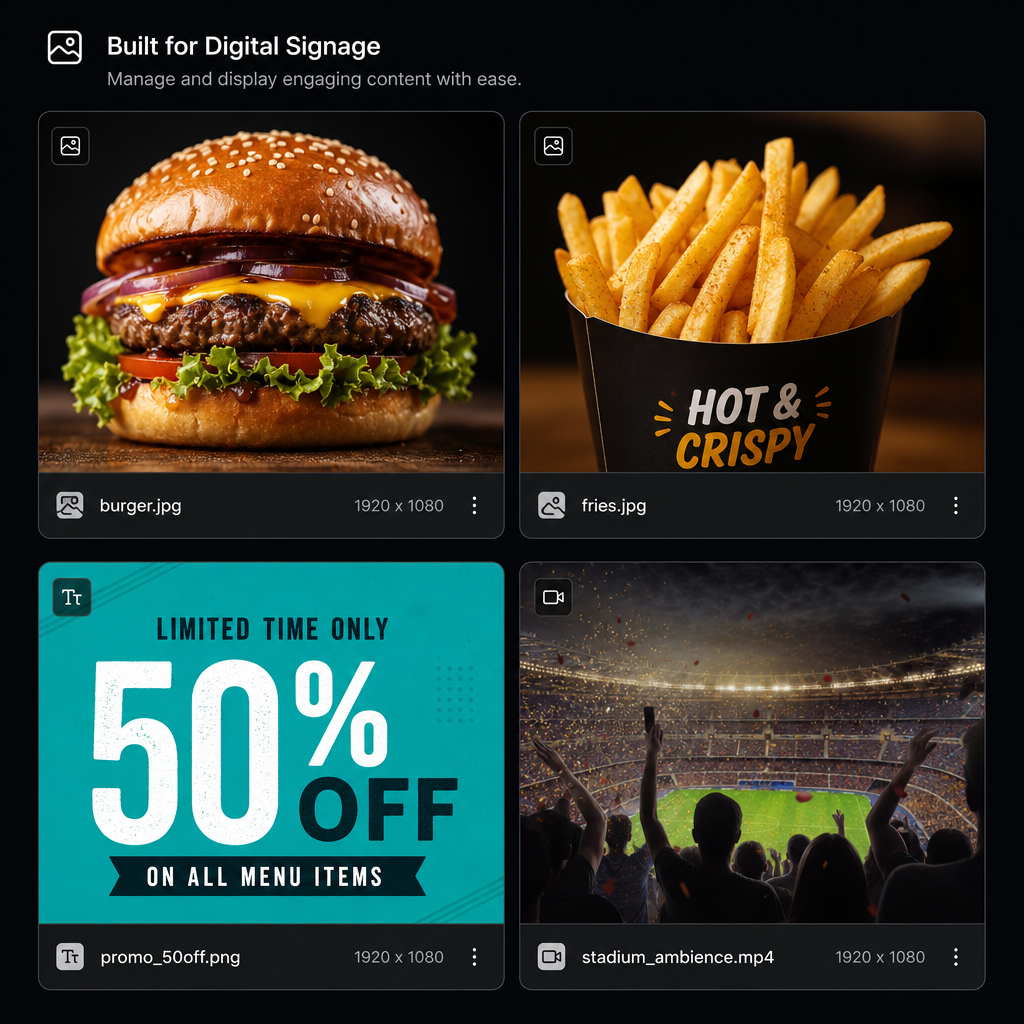
Drop images and video into the library, tag folders like Background and Widgets, then pull the same assets into playlists, layouts, and interactive menus without re-uploading.

  • Folders, search, and signed streaming URLs
  • Clock, weather, ticker, and web widgets
  • Reuse assets across sites and screens
Learn more →

02 · Layouts

Design multi-zone canvases

Build 1080p (and other) layouts with layers, sequences, overlays, and fit modes. Preview how the lobby wall will look before you publish.

  • Drag layers, sequences, and transitions
  • Live preview with real media thumbs
  • Publish to one screen or a whole group
Learn more →

03 · Schedules

Daypart without babysitting

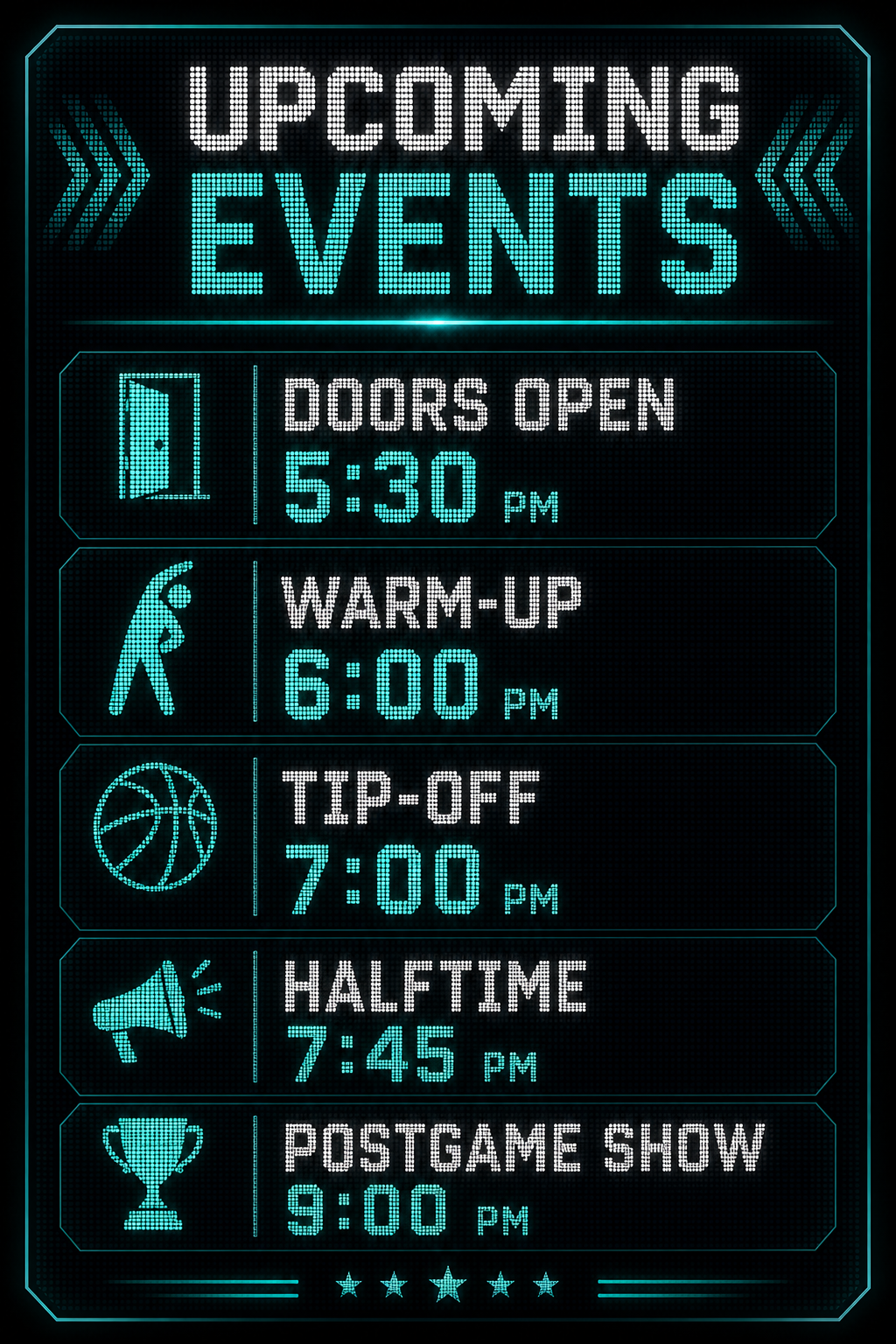
Override the default layout for game day, happy hour, or overnight — then SignTech reverts automatically when the window ends.

  • Date ranges and screen targeting
  • Playlist or layout overrides
  • Automatic return to the main layout
Learn more →

04 · Interactive

Touch menus and directories

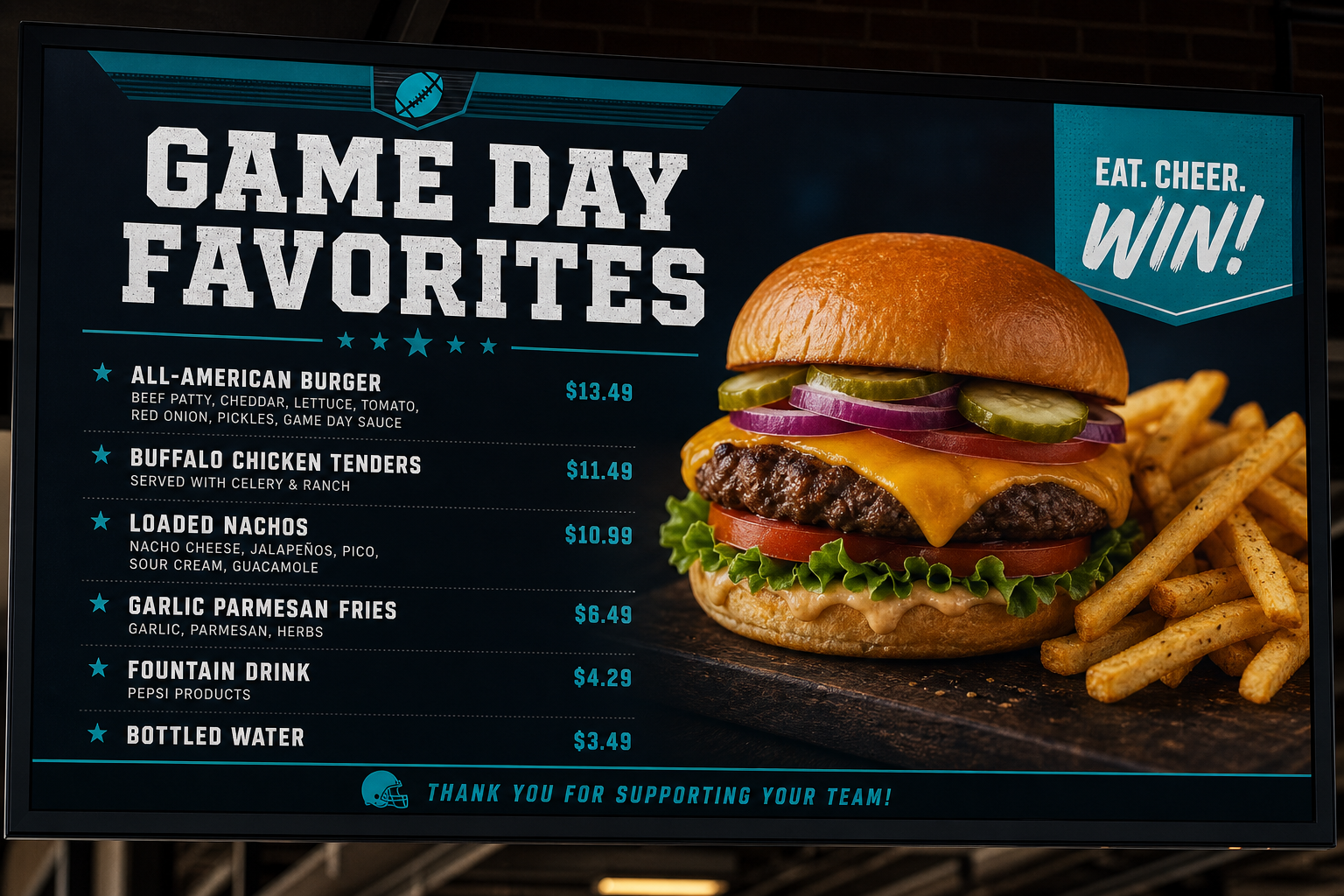
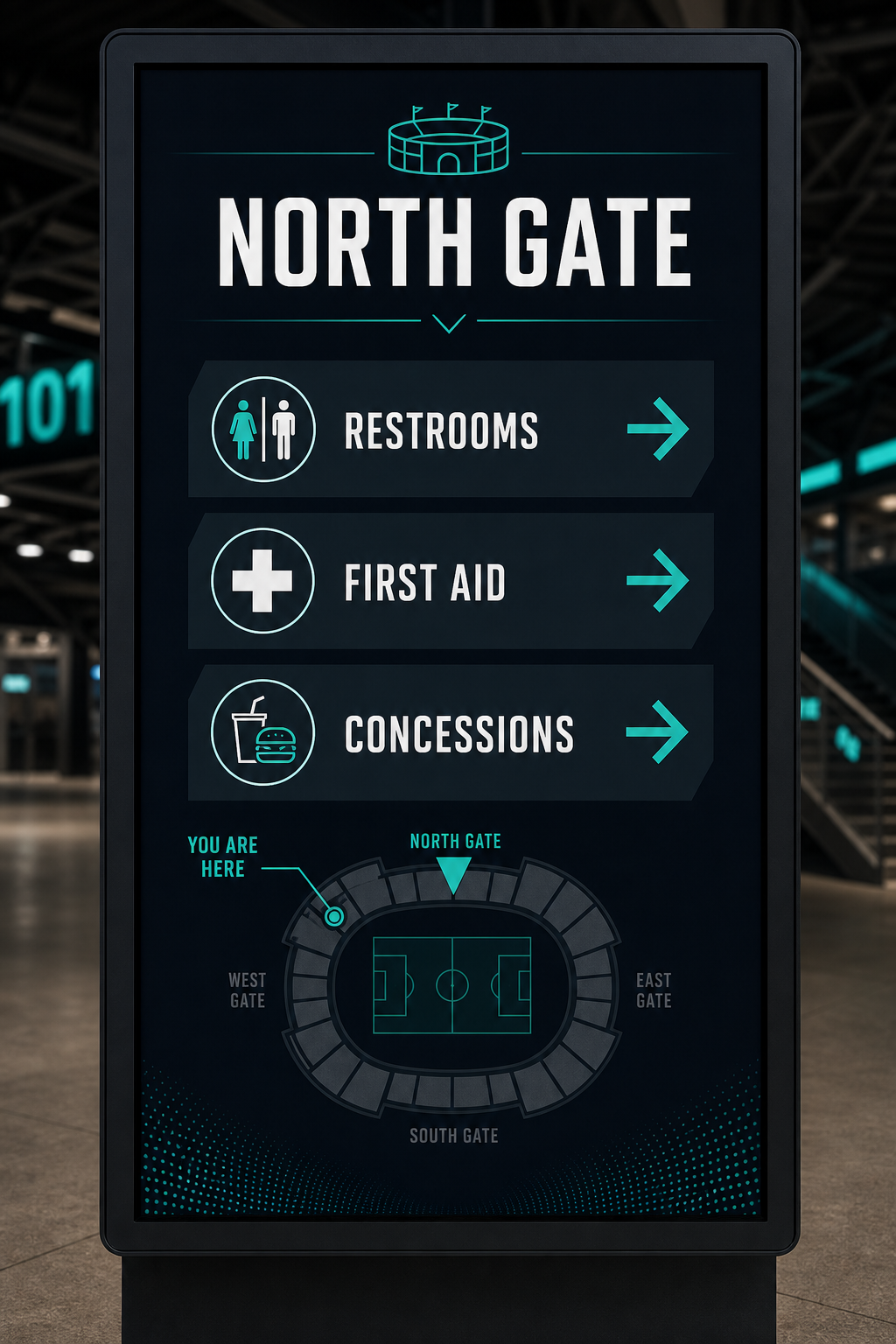
Author café menus, mall directories, and event guides in the CMS, then assign them to tablet kiosks as Interactive experiences.

  • Categories, items, prices, and idle return
  • Cover pages and hotspot navigation
  • Per-display Interactive assignment
Learn more →

CMS & player

Authors work in the CMS at cms.signtech.ca. Windows and Android players — or the browser player — pull published layouts securely for continuous playback.

Pair with a code, Cast to TV from a QR on Displays, assign layouts by screen or group, and keep lobby walls and concourse ribbons on the same beat. Operators can install the CMS as a phone app (PWA) for quick checks on the floor.

Supports Windows and Android

Player downloads